
PC
WakeDesk Client
Desktop client for technicians and customer hosts, with account activation, host cards, backup tools, and private server configuration.
WakeDesk packages the client, relay, admin console, monitoring, and host licensing workflow into one managed remote access platform.
Install WakeDesk on Raspberry Pi, WakeOS, Linux, or Windows hosts. Activate each host against your account and manage the allowed node count from the WakeDesk admin console.
WakeDesk combines the parts customers see with the controls operators need: activation, private routing, host limits, dashboards, monitoring, and recovery.
Desktop client for technicians and customer hosts, with account activation, host cards, backup tools, and private server configuration.
ARM64 package for Raspberry Pi 4/5 and WakeOS builds, tuned for headless or no-monitor deployments.
Self-hosted ID, relay, API, PostgreSQL, licensing, admin console, and policy enforcement on your VPS.
A compact Ubuntu-based Raspberry Pi image for remote access nodes with WakeDesk preconfigured.
Issue accounts, set host limits, suspend licenses, revoke hosts, and monitor customer capacity from one console.
Export server-side data and keep customer connection cards recoverable during reinstall or migration work.
Customers can see whether their license is active, how many host nodes are assigned, which systems are online, and when each host last checked in.
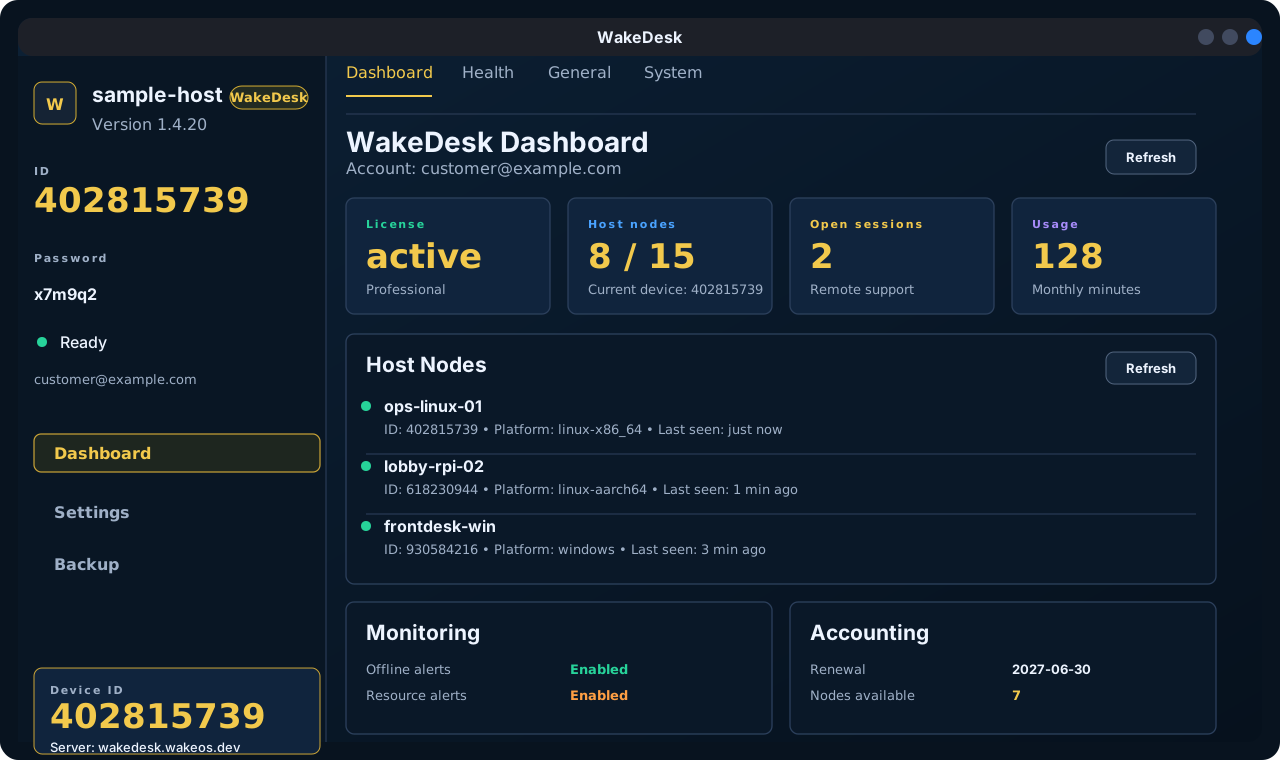
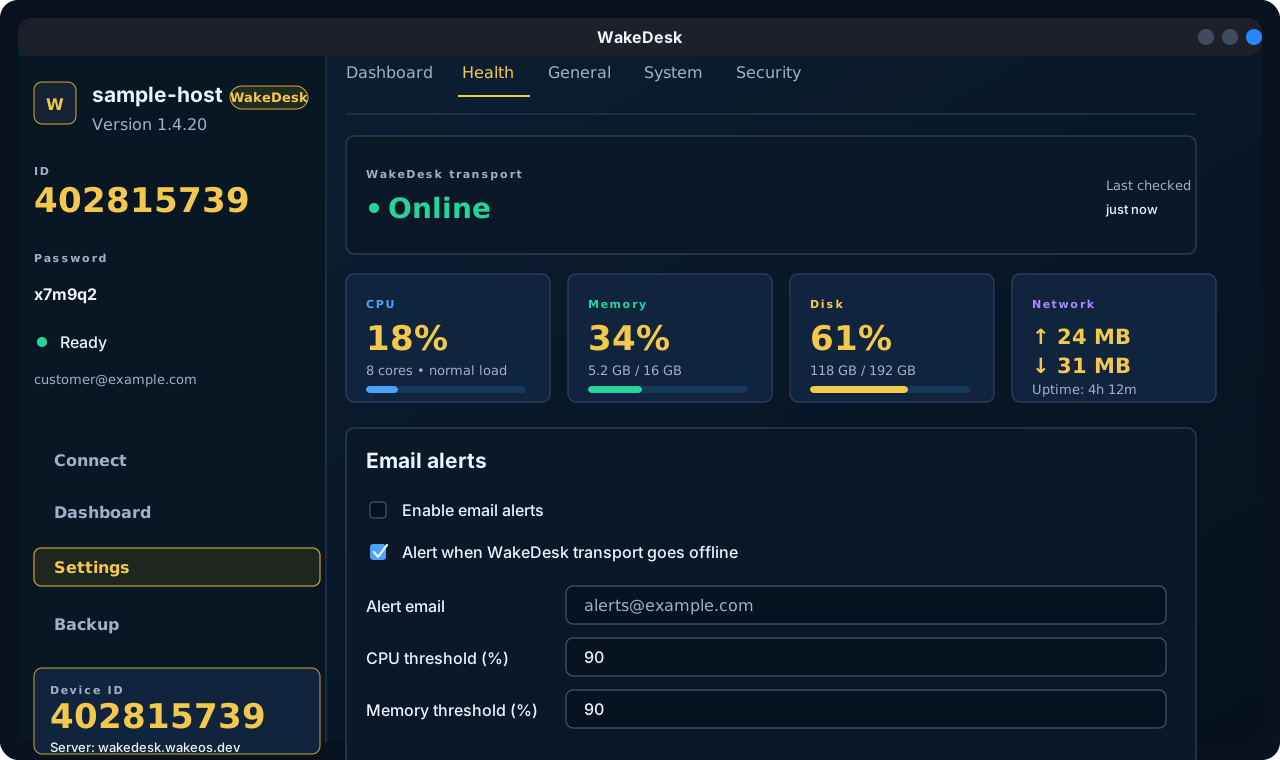
WakeDesk host health views make Raspberry Pi and desktop deployments easier to support, especially for unattended hotel, office, and field systems.
WakeDesk works best as a private platform: your DNS name, your VPS, your license policy, and your customer host limits.
Bring up WakeDesk API, relay, ID server, PostgreSQL, and admin console on the VPS.
Set the account email, plan type, node count, and validity period from the admin console.
Install WakeDesk packages and activate each host with the customer account and license key.